Maximising Service
Overview
Maximising service level is the most common objective for a planner, trying to ensure all demand is met by the plan.
Where capacity is constrained, Puls8 Replan will try to minimise "Lost Sales". Sometimes there is a window whereby a plan can deliver on demand late and not lose a sale. Puls8 Replan allows a planner to specify "Grace Periods" for a SKU in this case. The SKU may be delivered as "Late Production" but not result in a "Lost Sale".
Setup
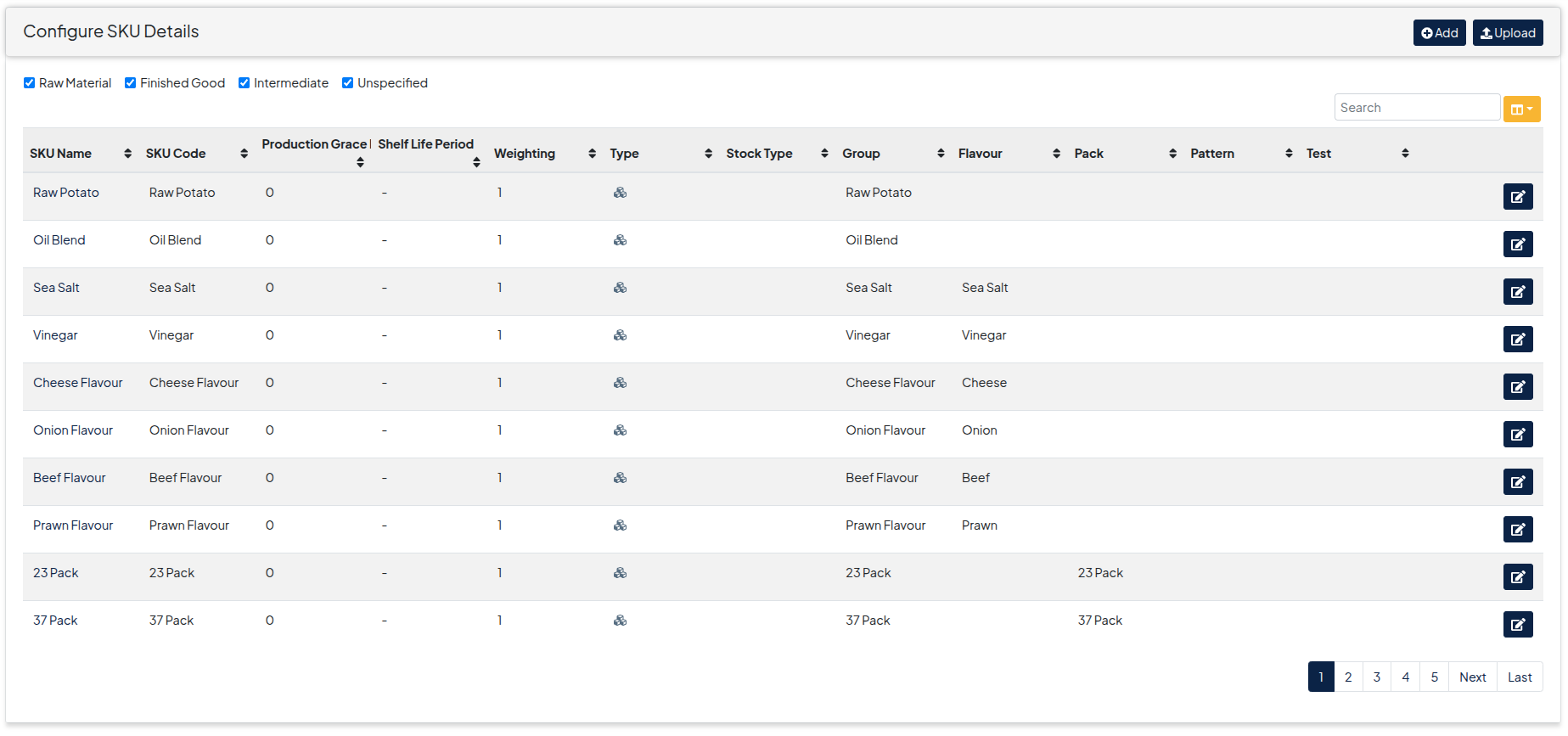
- Configure Grace Periods for SKUs where needed under Configuration->Master Data->SKU Details
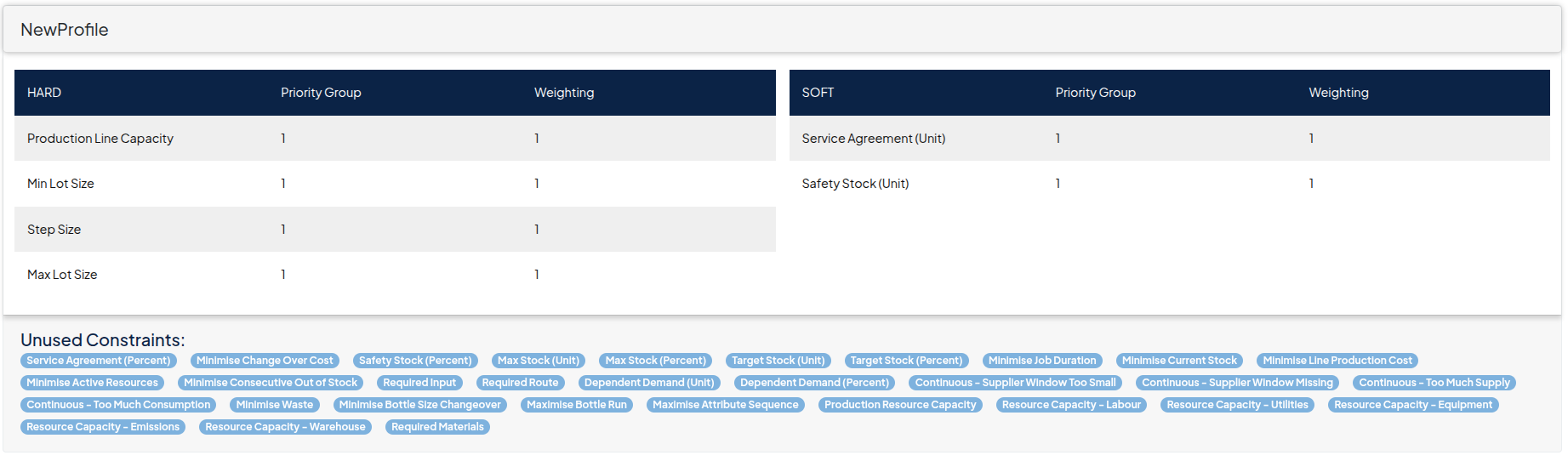
- Add Service Agreement (Unit)constraint to the constraint profile you are using to solve the scenario
- Run a solution as normal
Output
- Run the solution and inspect the output on the Service Level Heat Map section of the Availability Tab. You can service level is green for the groups in the below plan, but there is late production for one group.
