Schedules
Create a Schedule
The schedules screen shows all of the existing schedules that have been created from a Plan. To create a new schedule, simply navigate to the Plan you are interested in, and select the desired Solution. From here you can create a schedule by clicking on the “Create Schedule” button at the top right.
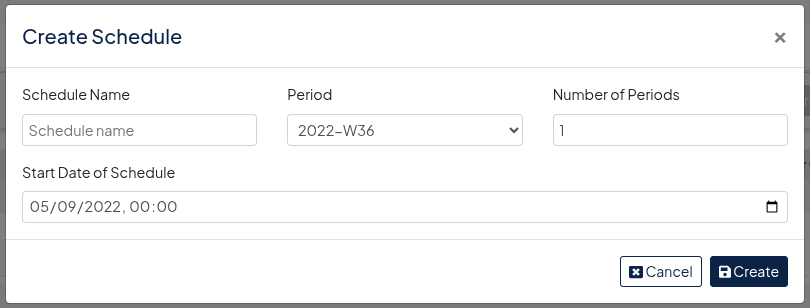
You will be presented with the Create Schedule dialog, simply fill in the details as required:
You will be directed to the Schedules screen, from here you will see a list of all the available schedules, click on “View Schedule” to view the desired schedule.