SKU Details
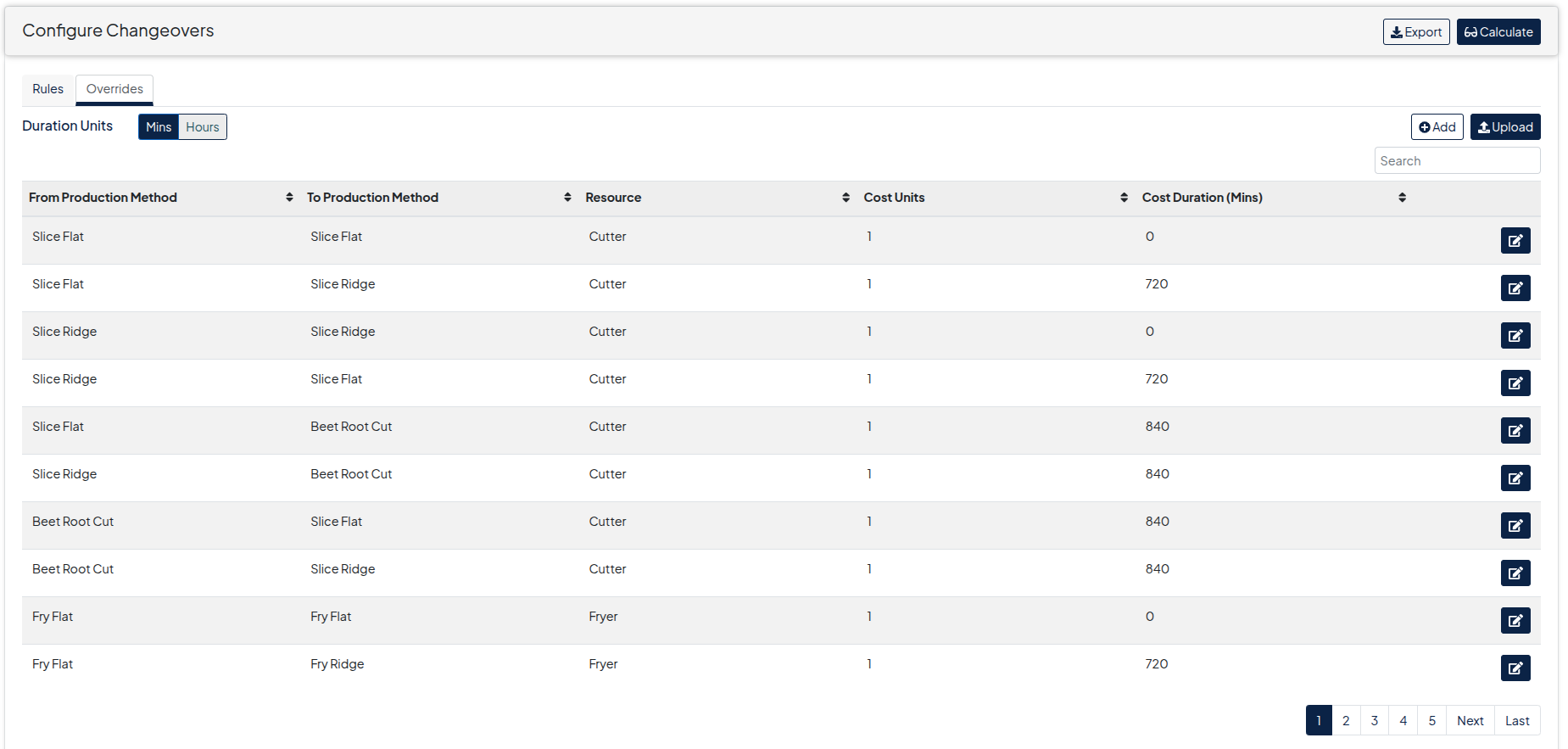
Changeovers sets out the cost and time for moving between two different SKUs on a specific line.
A planner can add Changeovers to Puls8 Replan via the menu under Configuration->Master Data->Changeovers
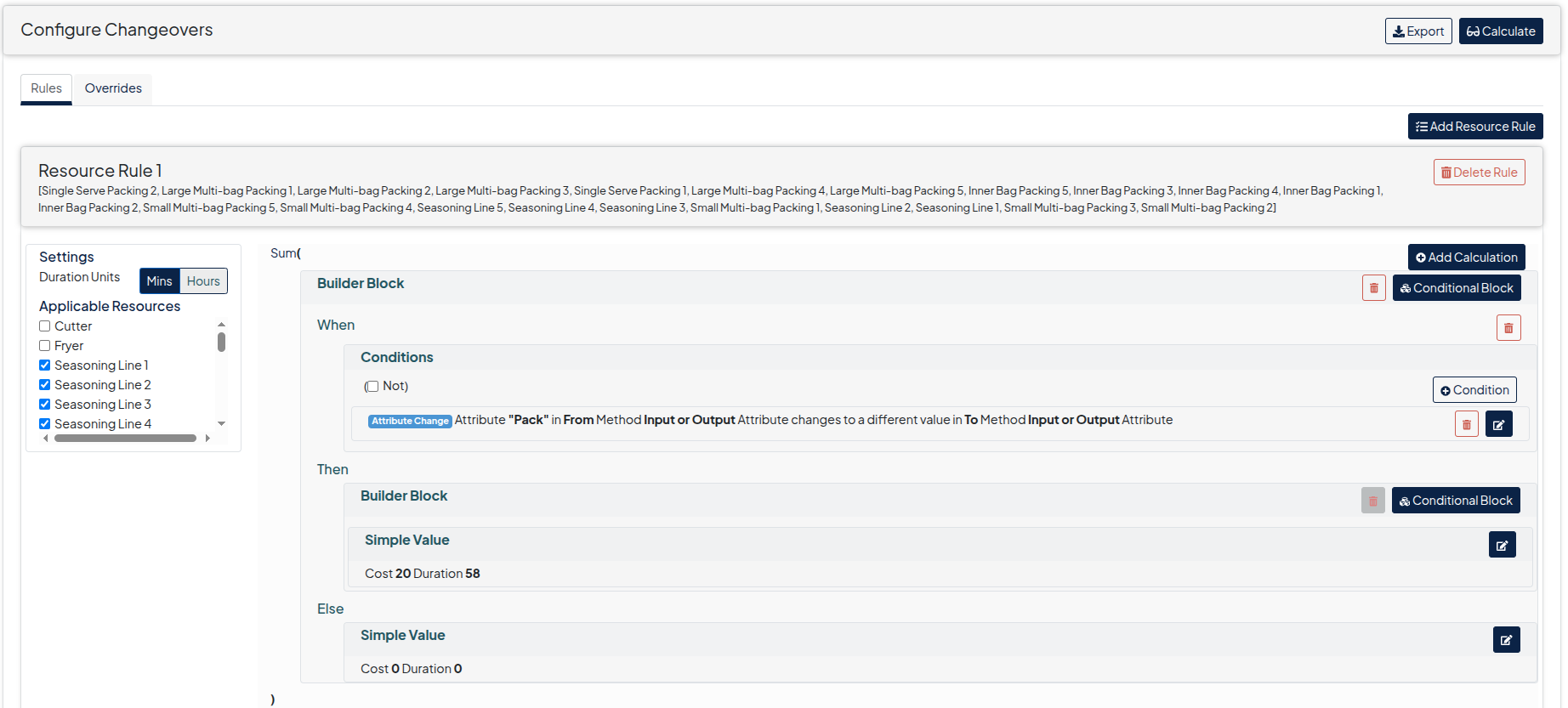
A planner has the choice of setting up rules to generate changeover or can add changeovers directly to Puls8 Replan
- Add rules for changeovers on the Rules tab. Generally rules will be setup as part of onboarding with a Puls8 Replan Planning Expert.
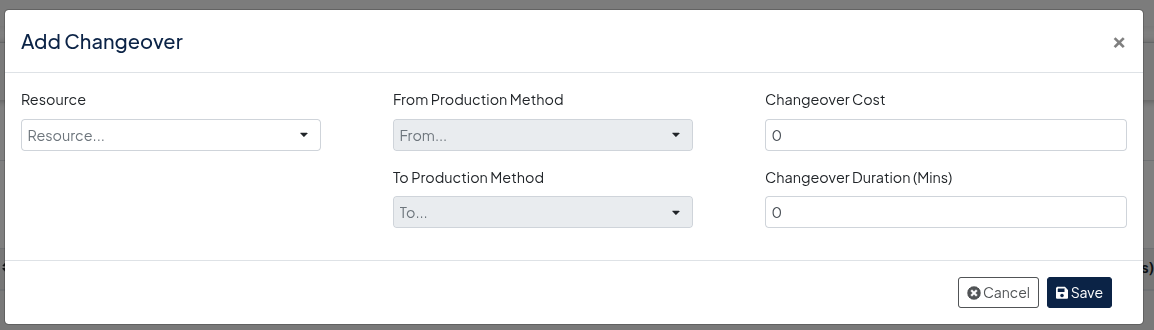
- Add a changeover via Add button on Overrides tab
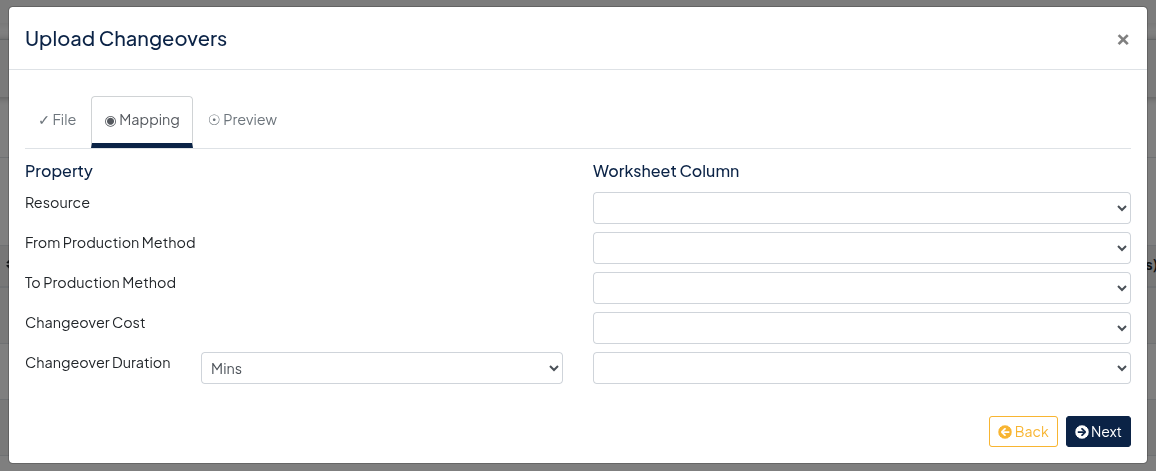
- Alternatively bulk upload changeovers via the Upload button on Override tab
- View changeovers