Clone Plan
Overview
Cloning a plan allows a planner to quickly copy an existing plan to test changes to inputs. e.g. what if I shut down line 2 in week 32 for maintenance?
From the existing plans screen select [ Clone Plan] button.
You can add adjustments to the original plan for:
- Demand Forecasts
- Safety Stock
- Max Stock
- Capacity
- Production Methods
- Raw Materials
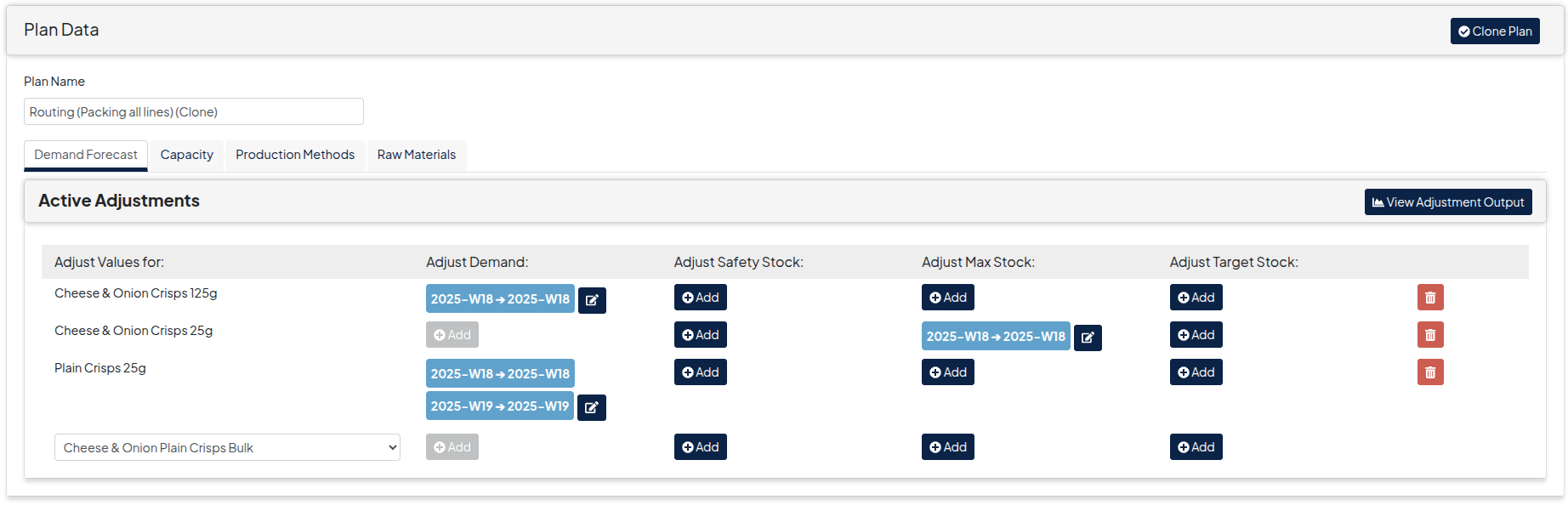
You can adjust demand and stock levels over ranges of periods as shown below
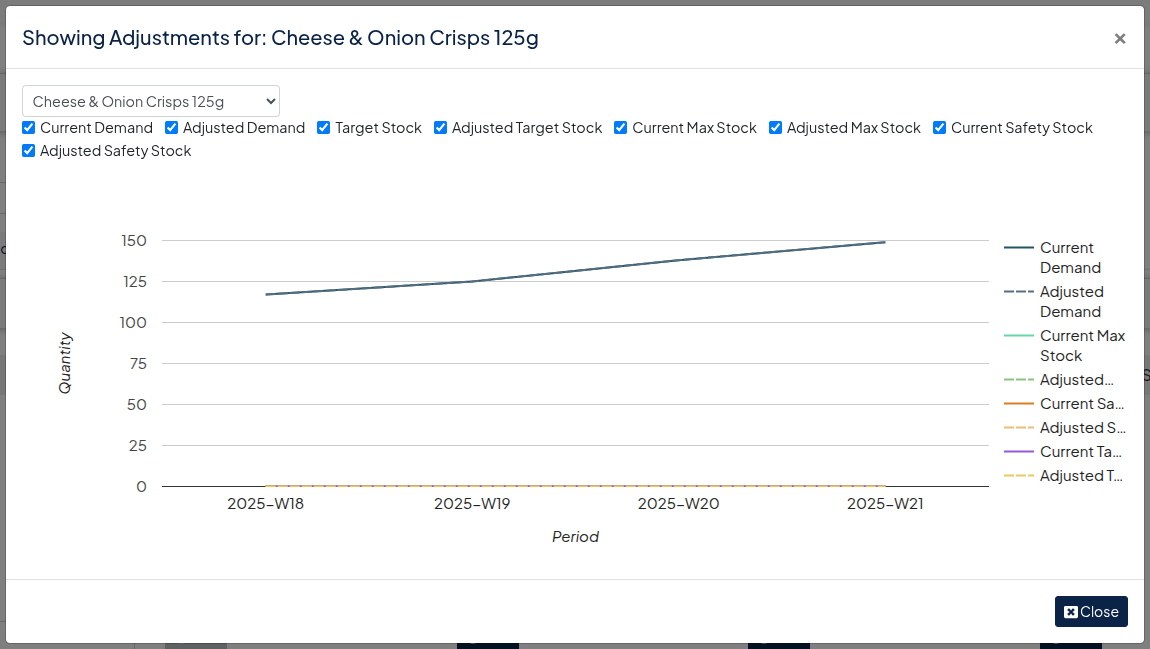
Once adjusted you can view the adjustments in a graph to sense check the adjustments you have entered make sense
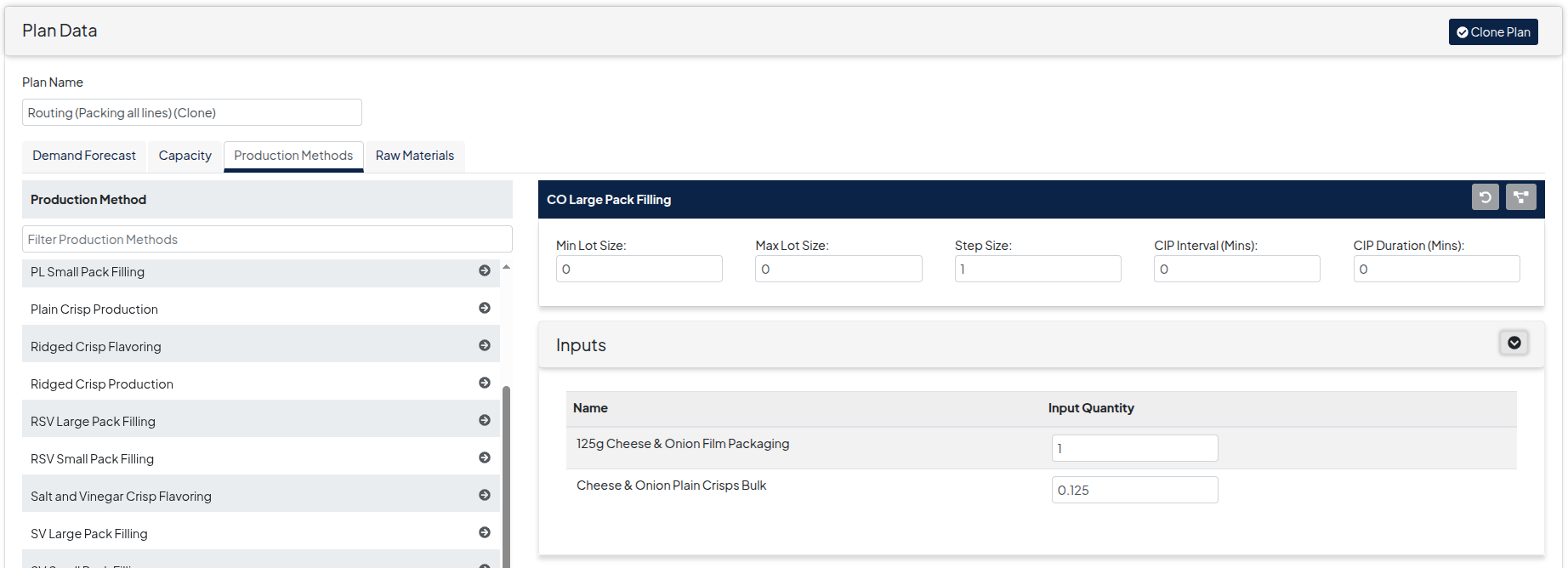
You can modify Run Rates and lot sizes in the Production Methods tab.