Plans
Existing Plans
The Existing Plans Screen shows all of the Plans that have been created in Puls8 Replan. Each Plan has a different set of input data.
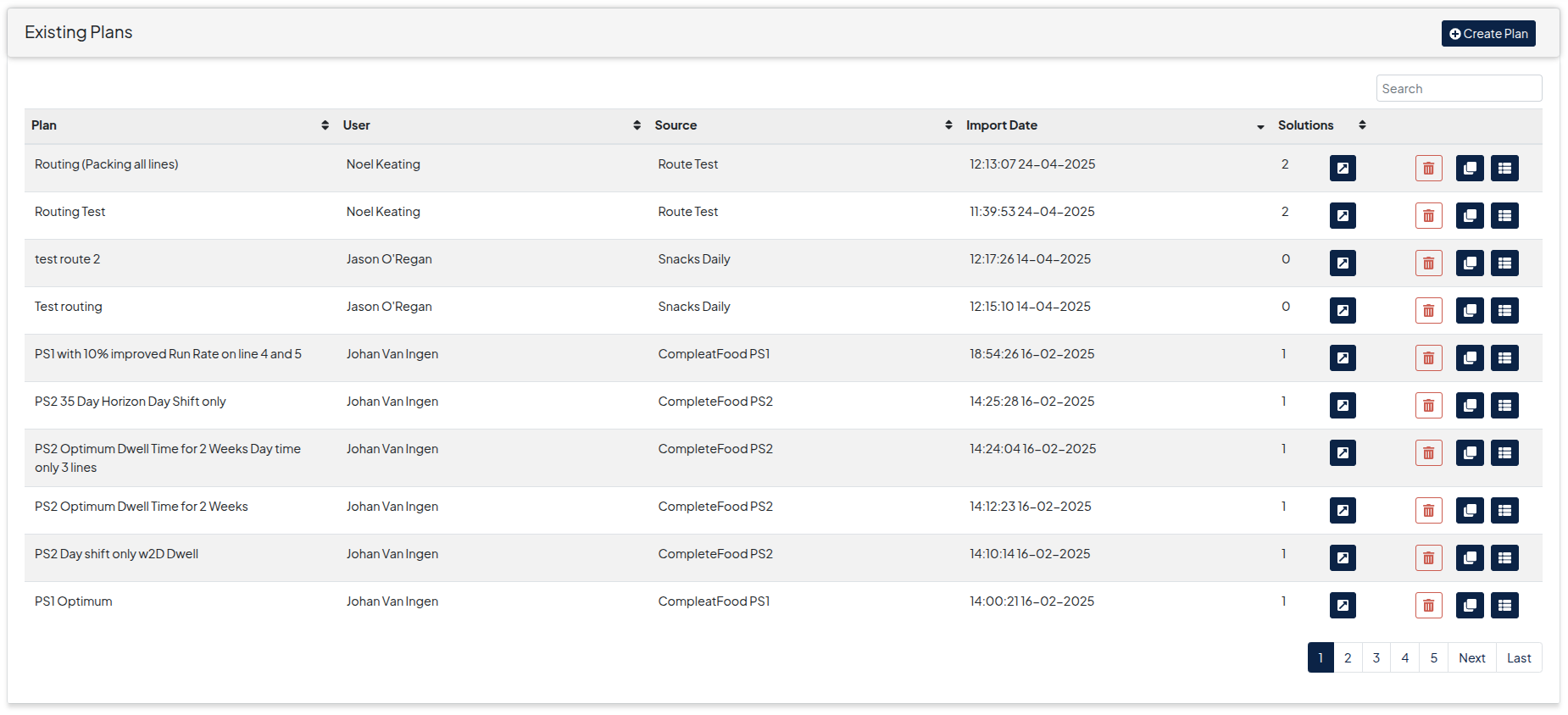
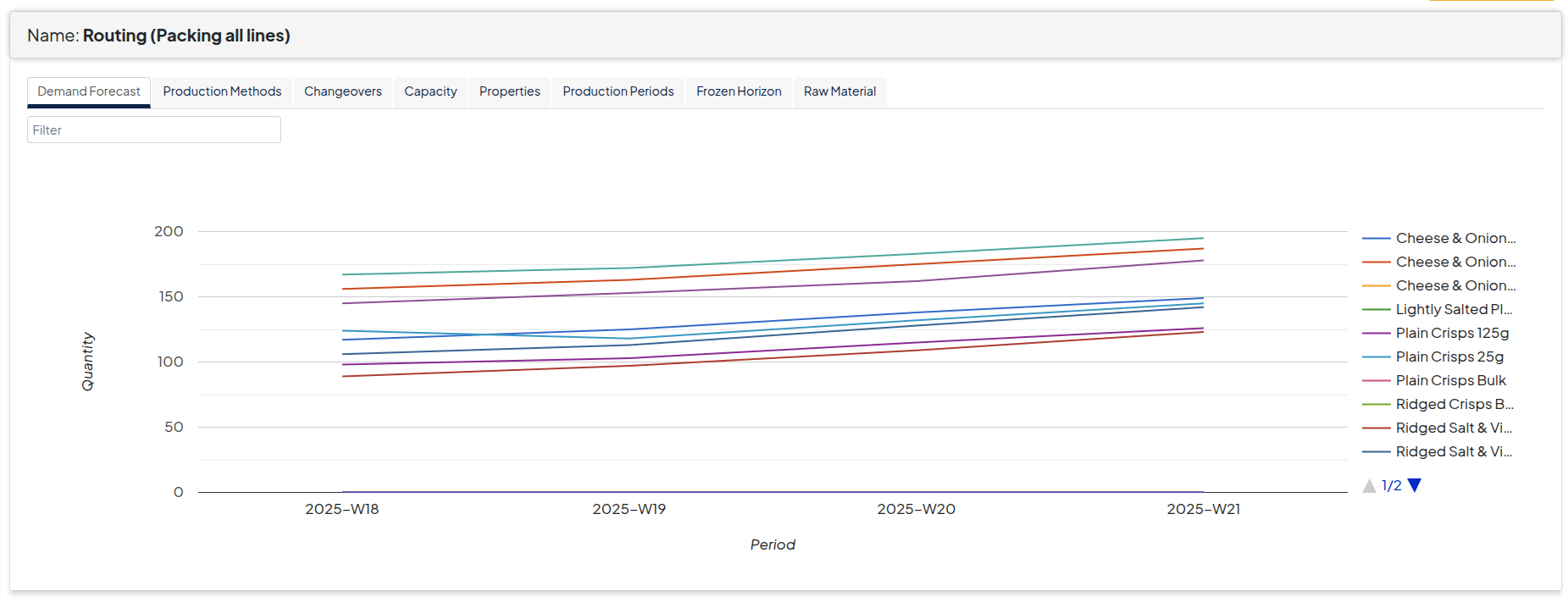
Plan Table Actions
- By clicking on the button, you can see the source input data that was used for the plan.
- A Plan and its resulting solutions can be deleted by clicking on the button.
Solutions
To view solutions, select a plan and navigate to the solutions screen.
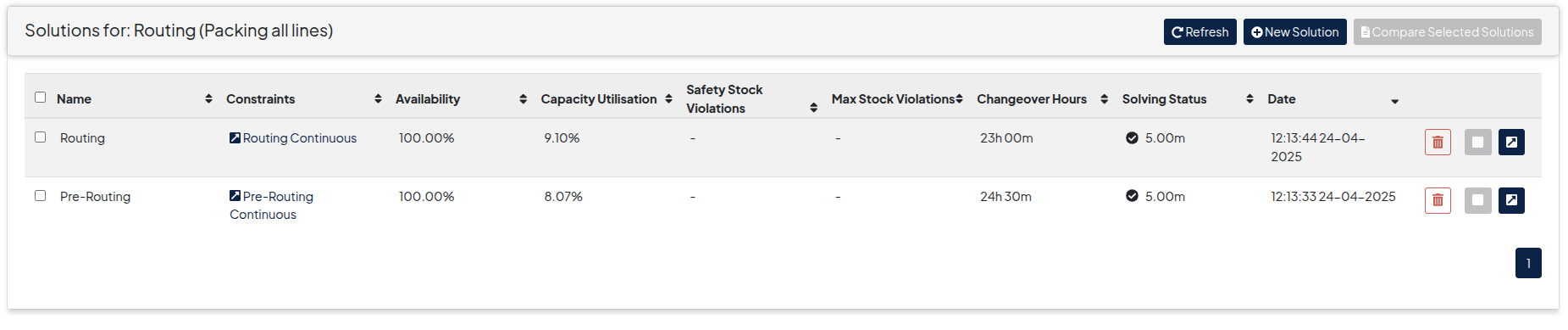
Solutions Screen Actions
- The results on a solution can be Viewed by clicking on the button
- An individual solution can be Deleted by clicking on the button.
- Results of different solutions produced on the same scenario can be Compared by selecting the checkbox to the left of the individual solutions and then clicking on the [ Compare Selected Solutions ] button.