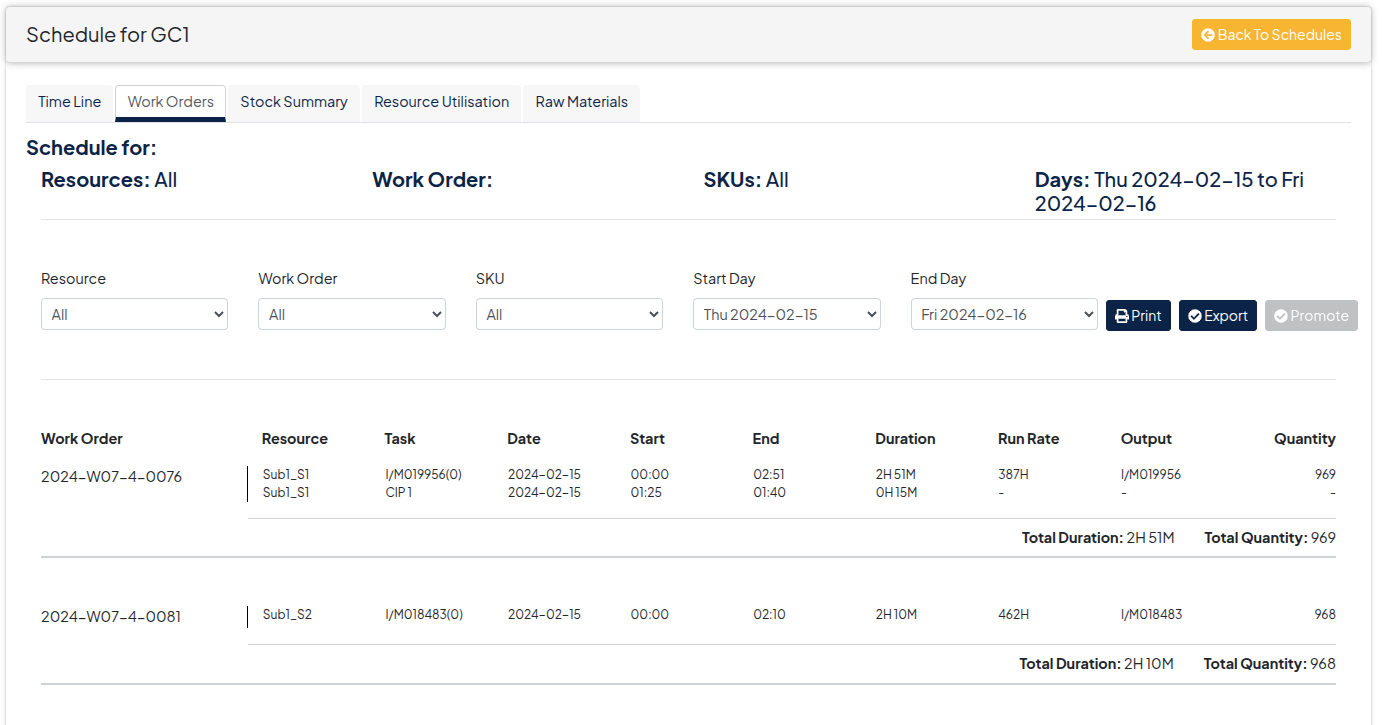
Work Orders Tab
The work orders tab gives users a clear and detailed view of all work orders for the given schedule.
Users are able to filter the work order further by means of the drop downs provided, allowing them to fine tune the output for each schedule. Options include Resource, Work Order, SKU, Start and End Days for each.
Once the desired output is ready, the work orders can then be downloaded or printed directly from the screen.