Shelf Life
Overview
A Planner can specify a Shelf Life per SKU, which is defined in periods. The solver will only produce a SKU if it can be delivered before the shelf life expires.
Setup
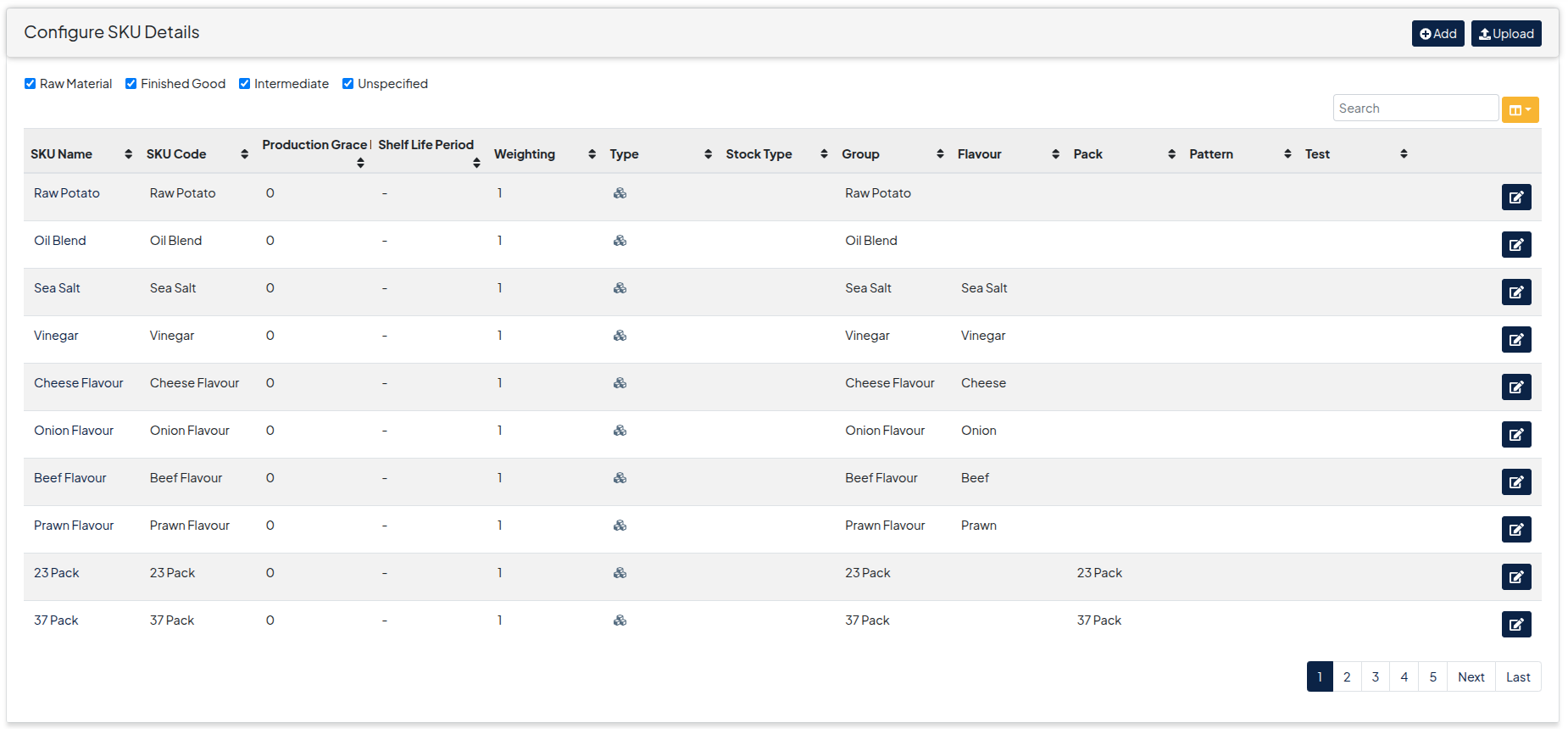
- Add Shelf Life periods to your SKUs under Configuration->Master Data->SKU Details
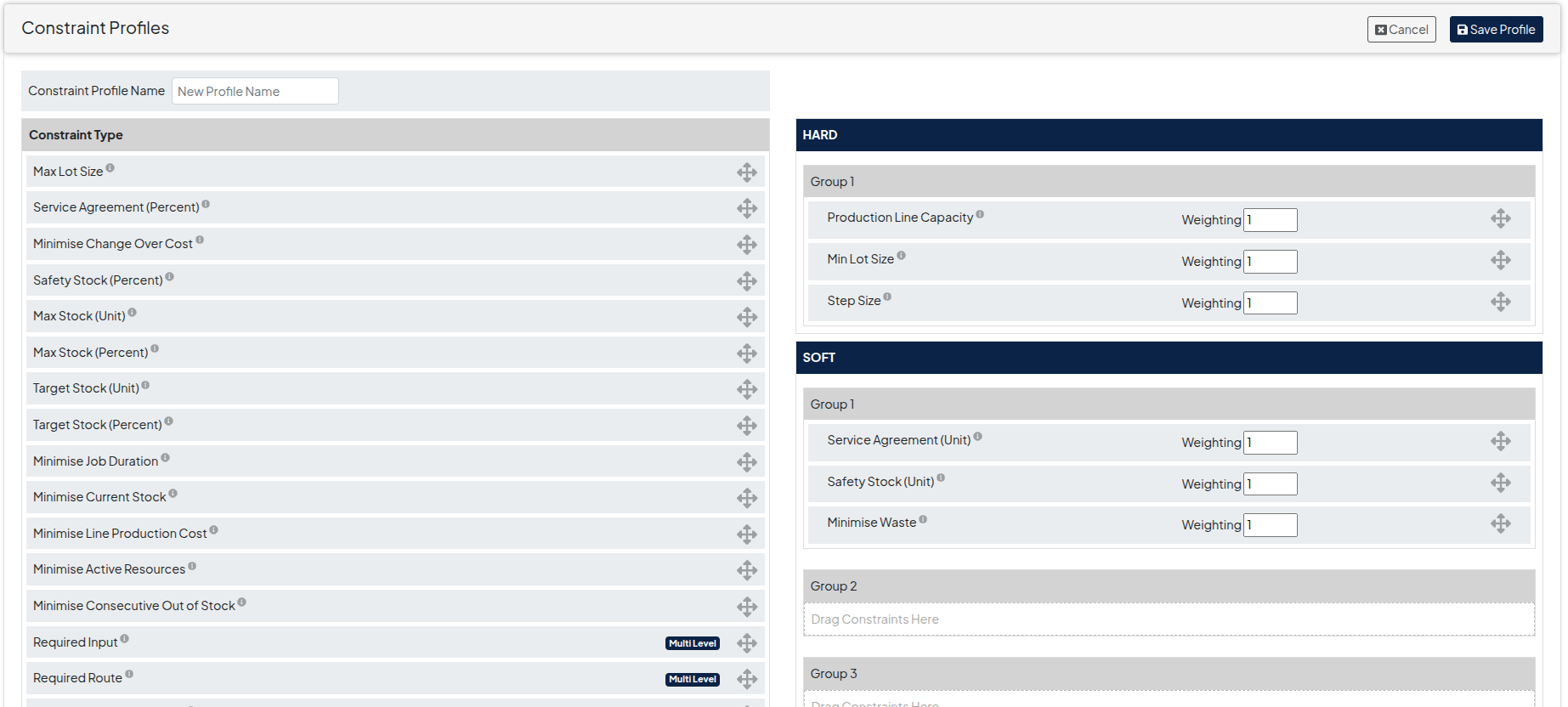
- Add the Minimise Waste to your constraint profile. This minimises waste as a result of Shelf Life.
- Run a solution with your constraint profile.
Output
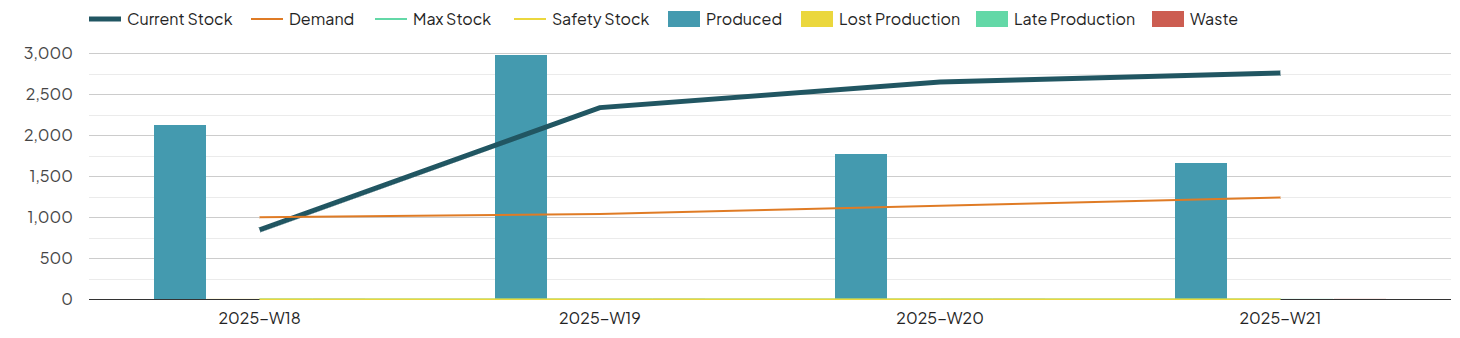
- Below shows the waste from shelf being minimised in the Solution Output on the Inventory tab with 0 waste